How to Make AI Videos of Your Dog
The funniest dog clips on TikTok right now were never filmed. A corgi giving a TED talk, a husky cooking pasta, a pug surfing a wave: each one is an AI dog video made from a single photo. This guide shows you how to make an AI dog video of your own dog, from choosing the photo to posting the result, with prompt examples you can copy.
You do not need editing skills or a video of your dog. One clear photo and a free Pet.Video account are enough to make your first AI dog video in about five minutes.
AI dog video examples
Each AI dog video below was generated from one photo of Mochi, our corgi mascot.
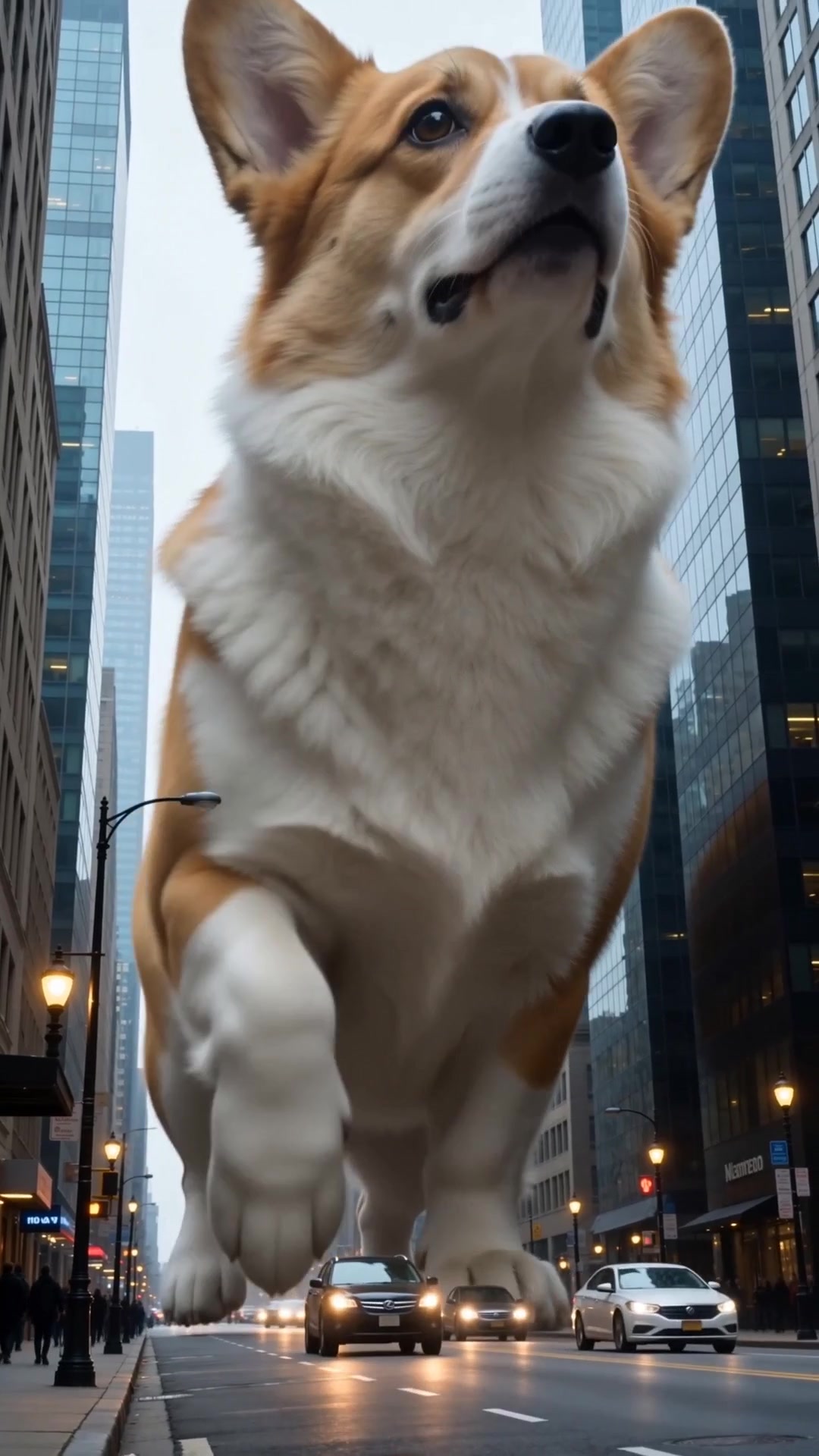
"Template: Giant Pet, a corgi walking through downtown"
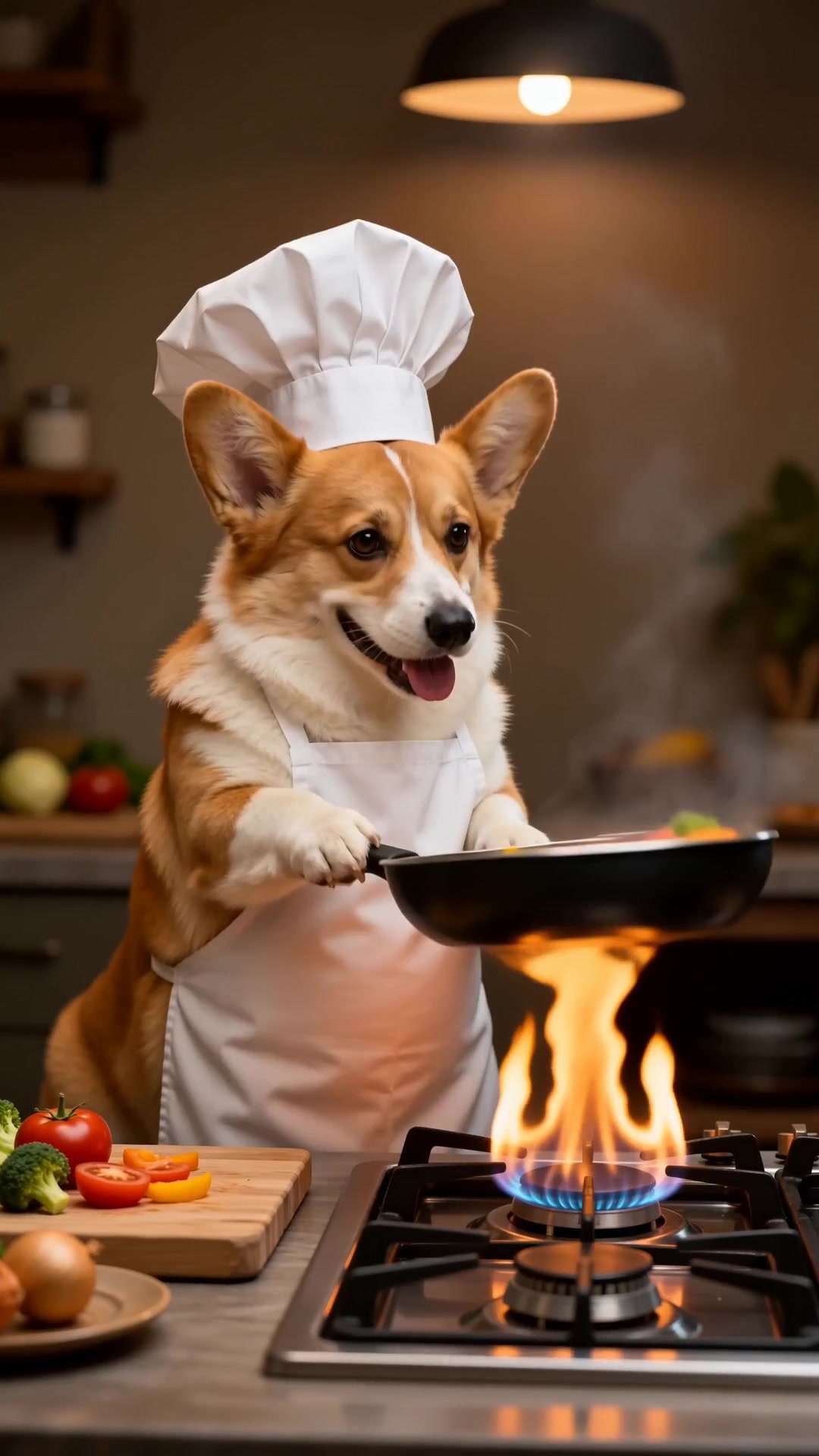
"Template: Chef Pet, a corgi cooking in a restaurant kitchen"
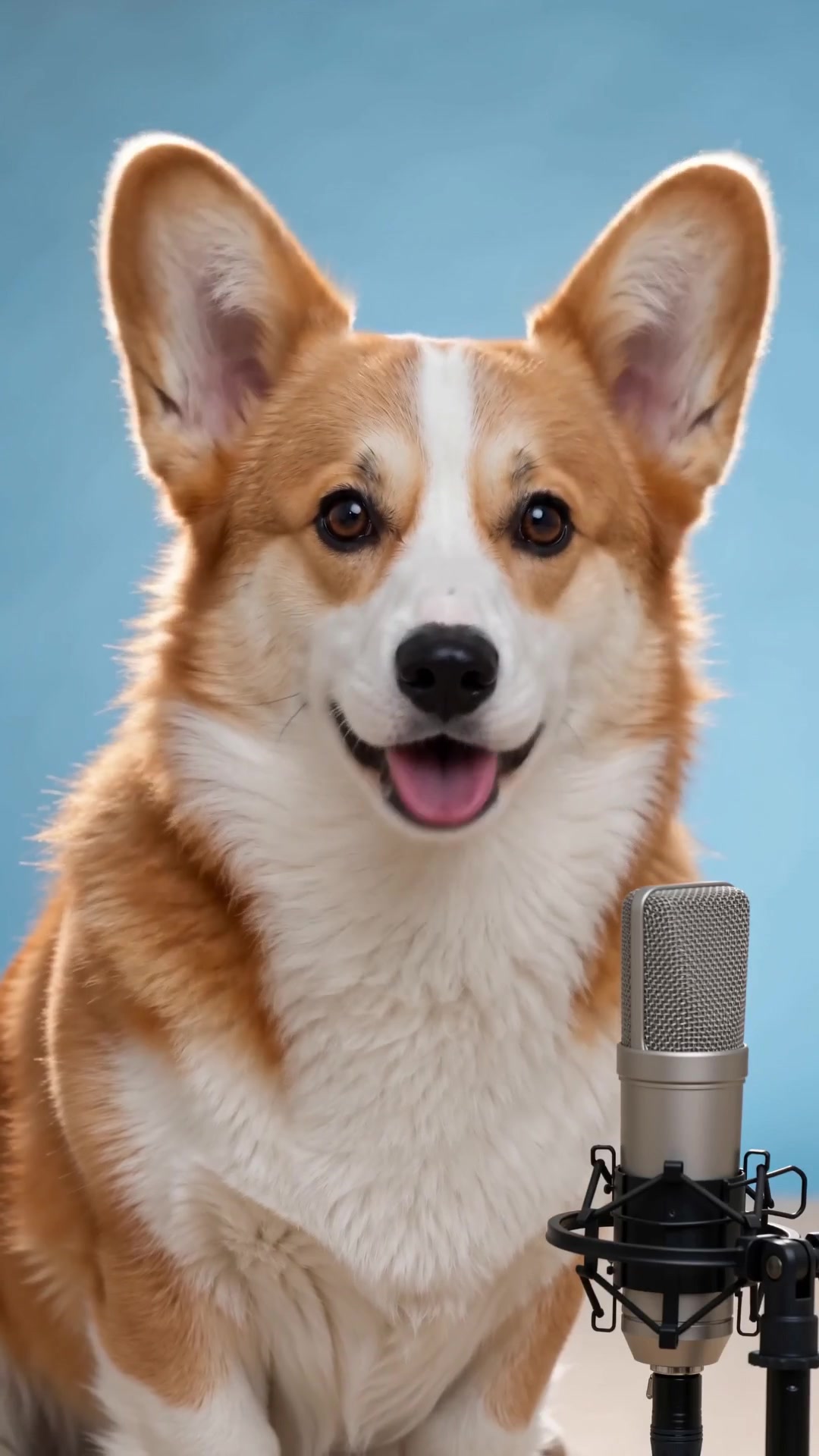
"Template: Talking Pet, the dog finally speaks"
Make an AI dog video in 5 steps
- STEP 1
Take or pick one good photo
A bright, sharp photo of your dog facing the camera. It is the only thing the AI knows about your dog when it makes the AI dog video.
- STEP 2
Choose how to make it
Use a ready-made AI dog video template, write your own prompt, make your dog talk, or pair it with a second pet.
- STEP 3
Upload the photo
Open the AI dog video generator or a template page and add the photo. Save it as a pet profile to reuse it later.
- STEP 4
Pick length and quality
Start with five seconds at basic quality. It costs the fewest credits and shows whether the result looks like your dog.
- STEP 5
Generate, download, post
Press Generate, wait one to four minutes and download the vertical 9:16 MP4 for TikTok, Reels or Shorts.
Step 1: the photo decides how your AI dog video looks
Every AI dog video starts from your photo. The model copies your dog's face, coat color, markings and body shape from it, then invents the motion. A blurry, dark or partly hidden photo forces the AI to guess, and guessing is where an AI dog video stops looking like your dog.
- Daylight or a bright room; dark photos lose coat color.
- Camera at your dog's eye level, with the whole head and ears visible.
- One dog per photo and no people; a human face often gets the photo rejected.
- No heavy filters, costumes or blankets; the AI adds outfits itself.
- For long-bodied breeds, a photo that shows the legs helps.
Step 2: four ways to make an AI dog video
There is no single way to make an AI dog video. Pick the route that matches your idea:
- Template: the fastest route. A template already contains the scene, outfit, moves and punchline. Good starting points are Giant Pet, Chef Pet, Surfer Pet and the dog dance routines.
- Your own prompt: open Image to video, upload the photo and describe what should happen. Best when you have a specific idea.
- Talking dog: the Talking Pet template makes your dog speak to the camera, a classic AI dog video format for TikTok.
- Two pets: duo templates take two photos, so your dog can share the scene with your cat or another dog.
AI dog video prompt examples you can copy
When you write your own prompt, keep it short and concrete: where the dog is, what it wears and what it does, one action at a time. Name the dog as "my dog" and let the photo do the rest. These prompts work well for an AI dog video:
- "My dog sits at a news desk in a tiny tie, reads the weather report, then sneezes on the paper."
- "My dog rides a skateboard down a sunny boardwalk, does a small jump and lands with a proud look."
- "My dog wears a chef hat, flips a pancake in a pan, and catches it on its nose."
- "My dog stands on a stage under a spotlight, holds a microphone and howls one long note."
- "My dog sneaks a cookie from the kitchen table, freezes when the light turns on, then looks innocent."
What to avoid in an AI dog video prompt
Do not ask the AI to change your dog's fur color, size or breed. Those requests fight against keeping your dog recognizable, and the AI dog video usually ends up looking like a different dog. Add props, outfits and settings instead. Also avoid on-screen text, brand names and real people in the prompt; they tend to come out wrong or get rejected.
Keep one main action per moment. "My dog dances, cooks, surfs and sings" asks for four videos at once. Pick one and make the next idea a second AI dog video.
Step 4: AI dog video length, quality and sound
A five-second AI dog video is one action and works as a loop. Ten seconds fits a short story. Fifteen seconds has room for a setup, an action and a punchline. Longer clips cost more credits, so test your idea at five seconds first.
Basic quality is enough to check the AI dog video. Choose 720P when you plan to post, and 1080P for the cleanest fur detail. Sound is generated with the clip; you can keep it or replace it with a trending sound inside TikTok.
Can you make an AI dog video for free?
Yes. New Pet.Video accounts get free sign-up credits that cover a short AI dog video at basic quality. The Generate button shows the cost before you confirm, and a failed generation returns its credits. Credit packs and monthly plans add more when you want longer or sharper clips.
Fixing common AI dog video problems
If the first AI dog video is not quite right, one of these usually fixes it:
- It does not look like my dog: use a brighter, closer, front-facing photo.
- The generation failed: remove any person from the photo and try again.
- The action is wrong: shorten the prompt to one clear action.
- Too short: switch to ten or fifteen seconds and regenerate.
- I want changes: open the video in My Creations, choose Edit, adjust and generate a new version.
AI dog video FAQ
How do I make an AI video of my dog?
Upload one clear photo of your dog to Pet.Video, pick a template or write a short prompt, and press Generate. The AI dog video is ready in a few minutes.
Do I need a video of my dog?
No. One still photo is enough. The AI creates all the motion of the AI dog video.
Is there a free way to make an AI dog video?
Yes. Sign-up credits cover a short AI dog video at basic quality.
Which app makes AI dog videos?
Pet.Video makes every AI dog video in your phone or computer browser, so there is nothing to install.
Can my dog talk or dance in the video?
Yes. Use the Talking Pet template or one of the dog dance templates for your AI dog video.
Can I put my dog and cat in one AI dog video?
Yes. Duo templates take one photo of each pet and put both in the same scene.