Talking Pet AI for Dogs & Cats
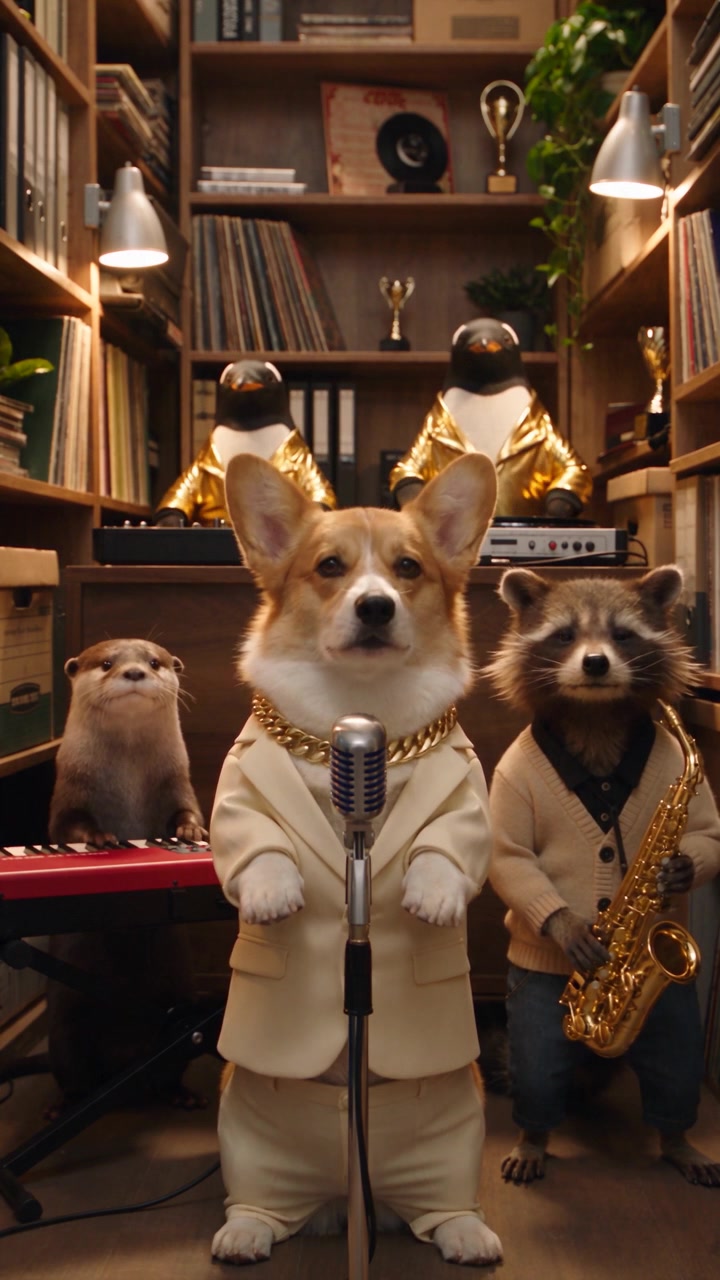
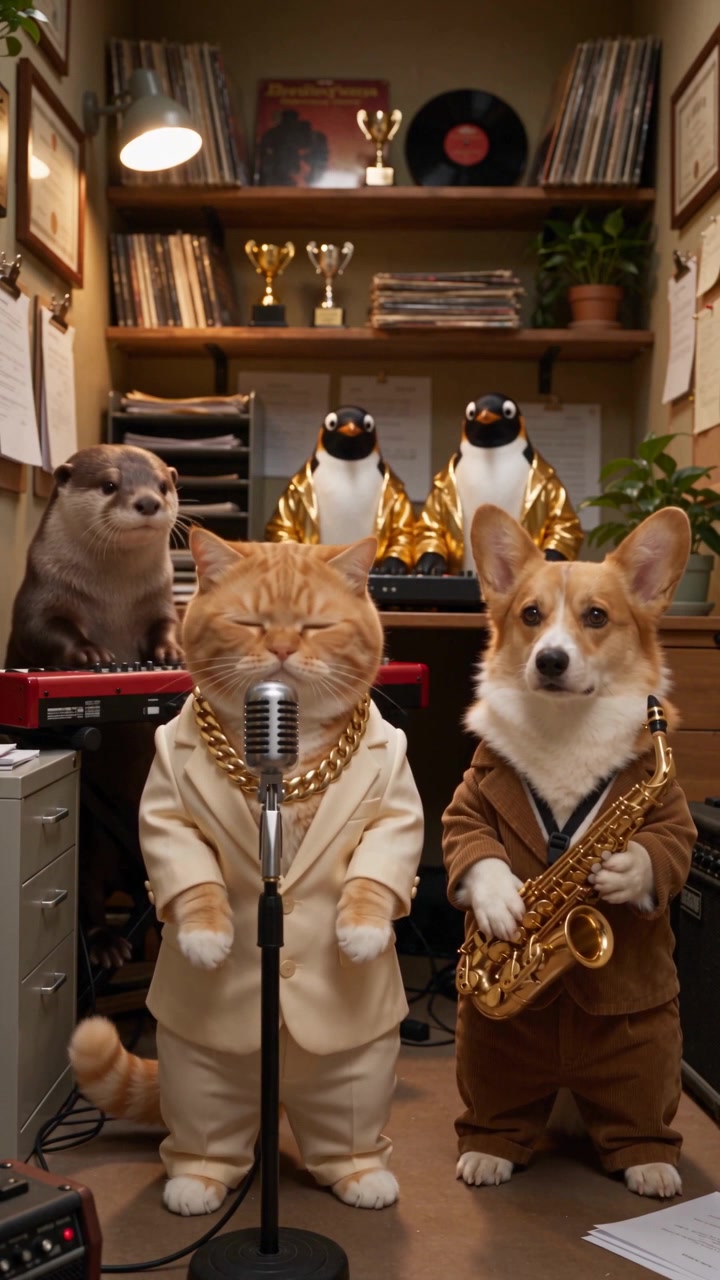
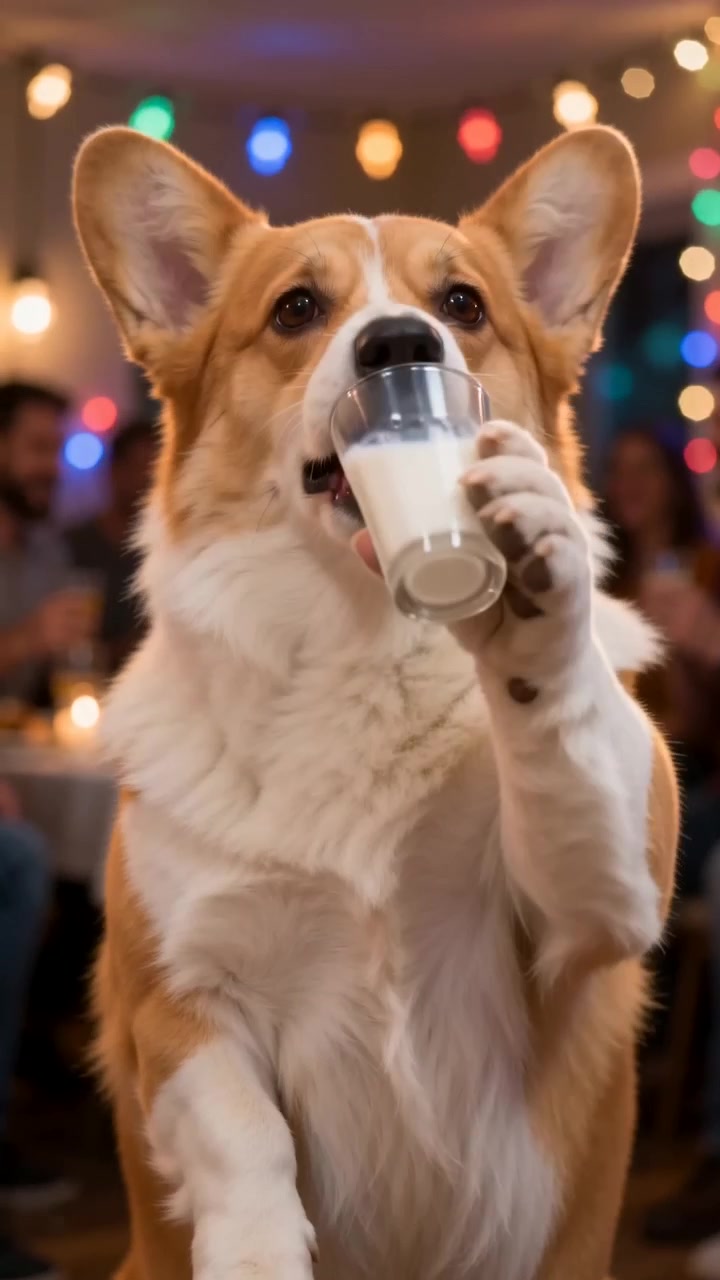
Upload one photo and the talking pet AI makes your dog or cat look straight at the camera and talk, with realistic mouth movement, raised eyebrows and head tilts, next to a studio microphone. It is the fastest way to make a talking pet video that still looks like your own pet.
What is a talking pet AI video?
A talking pet AI video is a short clip in which a real dog or cat appears to speak to the camera. The format grew out of pet "interview" and podcast memes: the animal sits behind a microphone, looks into the lens and seems to answer a question. What makes it funny is how serious the pet looks while doing it.
Older talking pet apps moved only the lower jaw on top of a still photo. This template generates a full video instead. The head tilts, the eyebrows lift on emphasis and the fur moves naturally, so the talking pet reads as a living animal rather than a cut-out.
The clip is designed as a base layer. Generate the talking pet, then record the line you want it to say and lay it over the video. Because the mouth is already moving, a short voiceover lines up convincingly.
Talking pet video ideas
Pet podcast clip
Give your talking dog a hot take: why the mail carrier cannot be trusted, or a review of the new kibble.
Talking cat complaints
Let a talking cat explain, calmly, why the food bowl was empty for eleven whole minutes.
Birthday and holiday messages
Record a greeting in your own voice and let your talking pet deliver it to family and friends.
Photo tips for a convincing talking pet
The mouth is the focus of a talking pet video, so the photo should show it clearly. Pick a picture taken at eye level in good light, with the muzzle sharp and unobstructed. Long fur around the mouth is fine as long as the chin is visible.
Keep toys, hands and food out of the frame, and crop out any people. A relaxed, closed or slightly open mouth works better than a wide yawn, because the AI has more room to animate the talking motion.
How to add a voice to your talking pet
After downloading the clip, open it in TikTok, CapCut or Instagram and use the voiceover tool to record your line. Speak in short phrases and leave small pauses; they match the natural rhythm of the mouth movement. On-screen captions help too, since many people watch talking pet videos with the sound off.
If you want a different delivery, generate the clip again. Each run produces slightly different timing, and one of them usually fits your script better.
Why pet owners use the talking pet AI
A talking pet that looks like yours
The talking pet AI uses your photo as the reference, so the face, fur color and markings stay the same while the mouth moves.
Interview-style framing
Every talking pet video is shot like a podcast clip: eye contact, a microphone in frame and soft studio light.
Vertical and ready to post
Clips are exported in 9:16 for TikTok, Reels and Shorts, where talking dog and talking cat videos perform best.
How to make a talking pet video
Upload a front-facing photo
Choose a bright photo where your pet looks at the camera with its mouth and chin clearly visible. Leave people out of the picture.
Generate the talking pet clip
Keep the default five seconds for a quick test, or choose ten seconds for a longer take. The talking pet AI adds the microphone, the lighting and the mouth movement.
Add your words and share
Download the video and add a voiceover or captions in TikTok, CapCut or Instagram, so your talking pet says exactly what you want.
Talking Pet AI FAQ
How does the talking pet AI work?
You upload one photo. The AI keeps your pet's identity and animates the mouth, eyebrows and head so it looks like a talking pet speaking into a microphone.
Can I choose what my talking pet says?
Not inside the generator yet. The clip is created with mouth movement and automatic sound. To give your talking pet a script, add a voiceover or captions after you download the video.
Does it work as a talking dog and a talking cat generator?
Yes. The same template makes a talking dog or a talking cat. Other animals can be tried, but results are most reliable with dogs and cats.
Is the talking pet AI free?
It is free to try. Sign-up credits cover one five-second talking pet video at basic quality. Longer or sharper clips use more credits.
What photo gives the best talking pet result?
A sharp, well-lit, front-facing photo with the whole face visible. Open mouths, side profiles and photos taken from above are harder for the AI to animate.
How long is a talking pet video?
Five seconds by default, with ten and fifteen second options. Short clips work well as reactions; longer ones suit a voiceover.