Try another scenario
Select to update the creatorAI Pet Video App for Your Phone
Looking for an AI pet video app that turns a photo of your dog or cat into a dancing, talking or funny video? Pet.Video works right in the browser on your iPhone or Android phone. There is nothing to download: open pet.video, upload a photo from your camera roll and the AI pet video app makes the video in a few minutes.
New accounts get free credits, so you can try the AI pet video app before paying anything. Finished videos save straight to your phone as vertical 9:16 MP4 files, ready for TikTok, Instagram Reels, YouTube Shorts and LINE.
Made on a phone with the AI pet video app
Each clip was generated from a single photo of our mascots, Mochi the corgi and Pudding the cat.
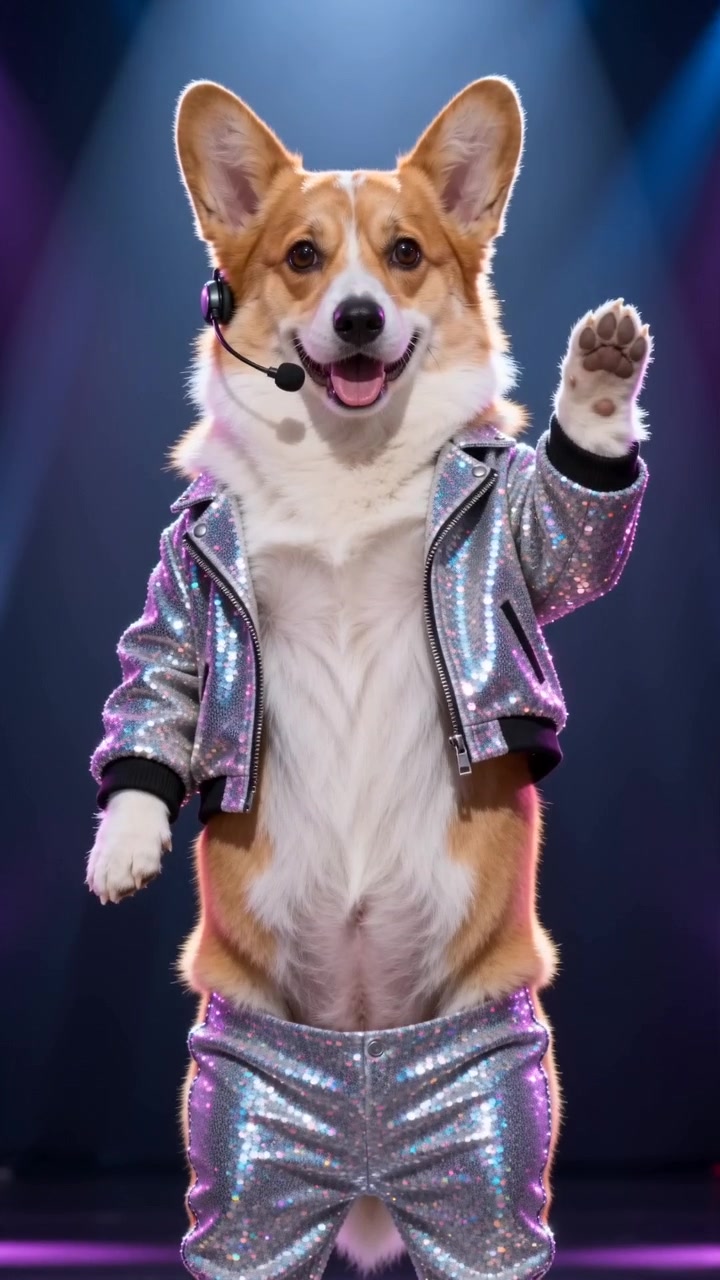
"Dog dance: a K-pop idol debut with a paw-heart wink"
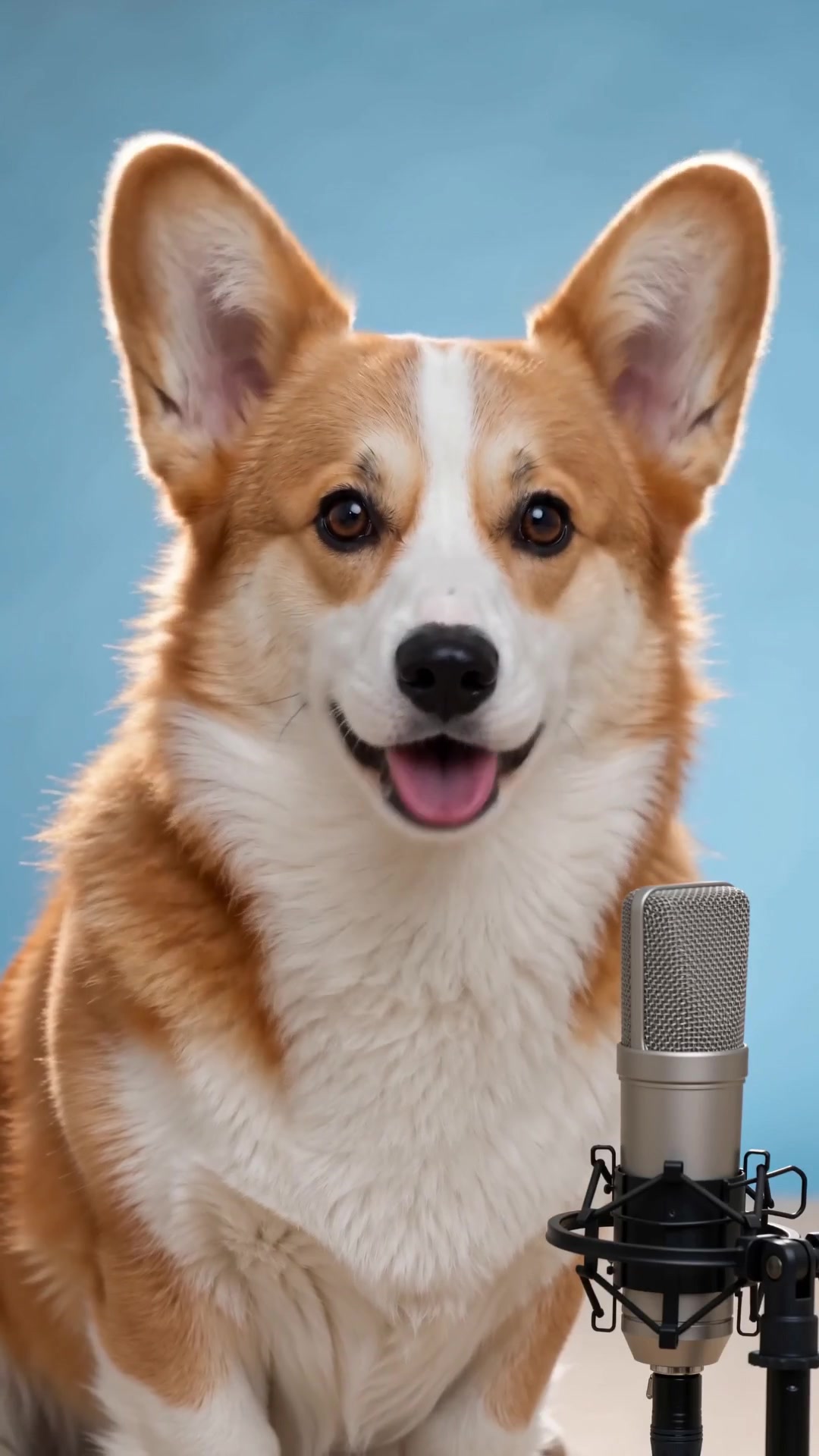
"Talking pet: your dog finally says what it thinks"
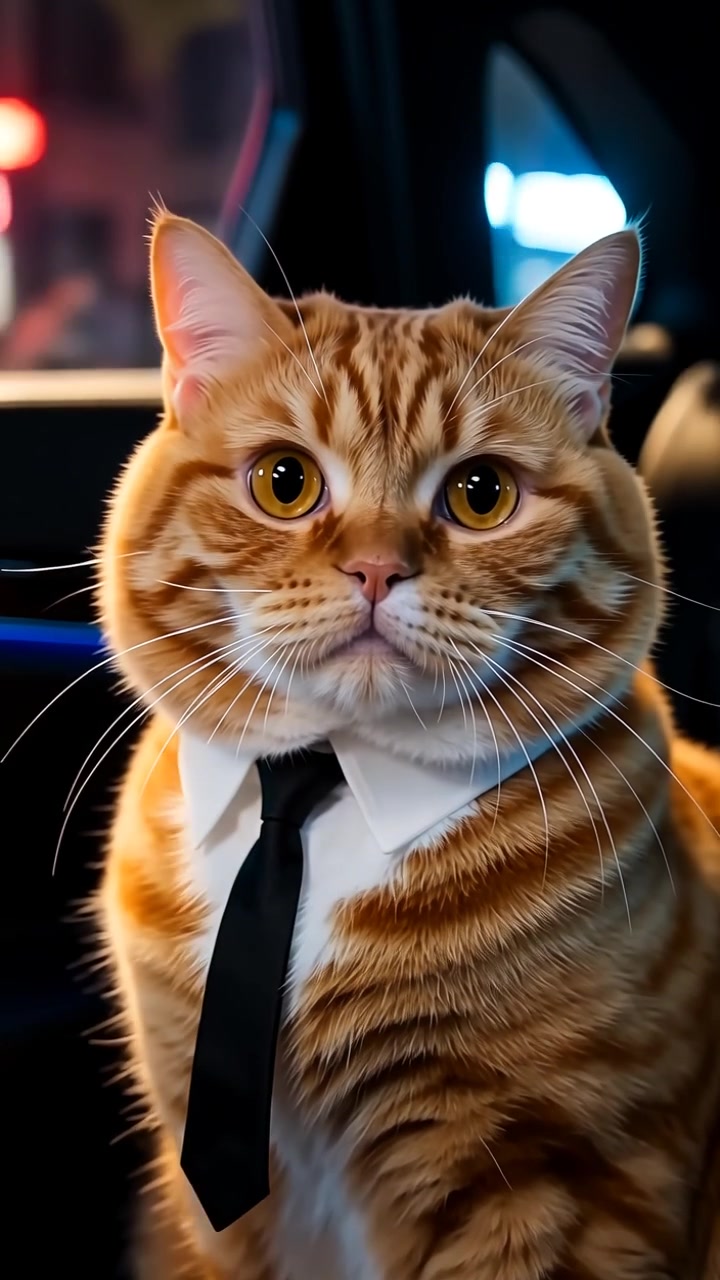
"Boss mode: the cat runs the office"
Use the AI pet video app in 3 steps
- STEP 1
Open pet.video on your phone
Use Safari, Chrome or any mobile browser. The AI pet video app loads like a normal website, with no app store and no install.
- STEP 2
Pick a photo and a template
Choose a photo of your dog or cat from the camera roll in the AI pet video app, then pick a dance, a talking clip or a funny story.
- STEP 3
Generate and save to your phone
Tap Generate in the AI pet video app, wait one to four minutes and save the video to your photos or share it directly.
Why use a browser AI pet video app instead of a download?
Most AI video apps in the app stores ask you to install, create an account, accept a weekly trial and allow access to every photo on your phone. A browser-based AI pet video app skips all of that. You only share the one photo you pick, nothing stays installed on your phone, and the same account works on your phone, tablet and computer.
Because the AI pet video app runs on our servers, the video quality does not depend on how new your phone is. An older iPhone or a budget Android phone gets exactly the same result as the latest model.
- No download and no storage space used on your phone.
- No weekly subscription trap: free credits first, then pay only if you want more.
- The AI pet video app works on iPhone, Android, iPad and computers with one account.
- Your videos stay in My Creations, so you can download them again on any device.
Add the AI pet video app to your home screen
If you use the AI pet video app often, put it on your home screen so it opens like any other app.
- iPhone and iPad (Safari): open pet.video, tap the Share button, then choose Add to Home Screen.
- Android (Chrome): open pet.video, tap the three-dot menu, then choose Add to Home screen.
- The icon opens the AI pet video app directly, and you stay signed in.
What the AI pet video app can make
Everything on the Pet.Video website is available in the AI pet video app on your phone. The most popular things people make with the AI pet video app are:
- Dog dance and cat dance videos: K-pop, breakdance, belly dance and the secret couch dance.
- Talking pet clips where your dog or cat speaks its mind.
- Viral trends such as Hotel Lobby, Giant Pet and Tiny Desk, rebuilt for pets.
- Duo videos with two pets, such as a cat and a dog cooking or getting married.
- Pet pictures: portraits, costumes and cartoon avatars made from your photo.
A typical session with the AI pet video app
Here is what making a video with the AI pet video app looks like on a normal evening. Your dog is asleep on the couch, so you open pet.video in your browser, tap Dog Dance and choose a photo you took last weekend. You pick the K-pop idol routine, leave the length at five seconds and tap Generate.
While the AI pet video app works, you can close the browser or switch to another app. A few minutes later the clip is waiting in My Creations. You watch it, tap Download, and post it to TikTok or send it to the family LINE group. If you like it, you can open the same video again, raise the quality and make a sharper version for your feed.
That is the whole flow: one photo, one template and one tap. The AI pet video app handles the costume, the choreography, the camera and the sound.
Is the AI pet video app free?
Yes, you can start the AI pet video app for free. Every new account receives sign-up credits that cover a short clip at basic quality. Longer clips, sharper 720P and 1080P output and two-pet videos use more credits, which you can add with a credit pack or a monthly plan. The Generate button always shows the price first, and failed generations return their credits automatically.
Tips for great results on your phone
Phone cameras take excellent reference photos for an AI pet video app. A few habits help the AI pet video app keep your pet recognizable:
- Take the photo in daylight, at your pet's eye level, with the whole head in frame.
- Use the normal photo mode rather than portrait mode, which can blur ears and fur.
- Keep people out of the shot; photos with a human face are often rejected.
- Start the AI pet video app with five seconds at basic quality, then upgrade the version you like.
- You can lock your phone while the video generates; it is saved in My Creations.
Is there a Pet.Video app in the App Store?
We are working on a native iPhone app. Until it is available, the browser version is the official Pet.Video AI pet video app, with every template and feature. Be careful with look-alike apps that use similar names: Pet.Video only runs at pet.video.
AI pet video app FAQ
Do I need to download the AI pet video app?
No. The AI pet video app runs in your phone browser. Open pet.video and start creating.
Is the AI pet video app free?
You can start free with sign-up credits, which cover a short clip at basic quality. More credits are available as packs or monthly plans.
Does it work on iPhone and Android?
Yes. The AI pet video app works in Safari, Chrome and other modern mobile browsers on iPhone, iPad and Android.
How do I save the video to my phone?
Open the finished video in the AI pet video app and tap Download. On iPhone, choose Save Video to put it in your Photos app.
Can I make my dog dance with the app?
Yes. In the AI pet video app, open Dog Dance, upload a photo of your dog and pick a dance template.
Is there a native app?
A native iPhone app is in development. The browser AI pet video app already includes every feature.